
5 Mistakes When Installing Bluetooth Access Control Systems

Bluetooth access control has come a long way. Today’s systems handle everything from apartment complexes to job site gates without a single key in sight. But the same flexibility that makes these systems so appealing also creates room for costly errors during setup.
The five mistakes in installing Bluetooth access control systems covered here recur across installations of all sizes. Catch them early, and you’ll save yourself a lot of troubleshooting time down the road. Your team will enjoy a system that they can trust from day one.
Mistake 1: Skipping the Site Survey Before Installation
Bluetooth has a range, and that range isn’t unlimited. Most commercial Bluetooth readers operate reliably within 10 to 30 feet under ideal conditions. Thick concrete walls and steel doors can shrink that effective range in a hurry.
Installers who skip the site survey often discover signal problems and dead zones only after the hardware is already mounted. By that point, rework is unavoidable, and the client relationship takes a hit.
To avoid complications, walk the space before you touch a single bracket. Test signal strength at every planned reader location with a mobile device or a Bluetooth signal analyzer. Note any structural materials that could interfere with transmission and document the power source locations at each mounting point.
Pay attention to elevator banks, server rooms, and areas with dense metal shelving. These environments introduce multipath interference that can cause intermittent authentication failures that are extremely difficult to trace after installation. A thorough survey takes an hour or two. A post-installation signal troubleshoot can eat up an entire day.
Mistake 2: Ignoring Access Control System Compatibility Requirements
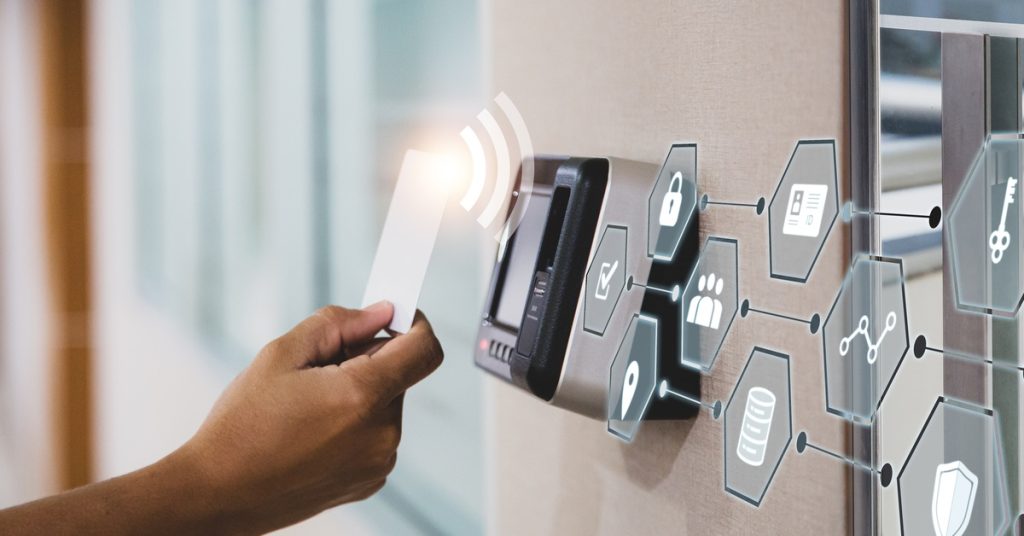
Not every Bluetooth access control system works well with your existing infrastructure. Some platforms require specific gateway hardware to bridge Bluetooth readers to a cloud management system. Others rely on proprietary mobile credentials that don’t work with third-party apps.
Before you spec out the hardware, confirm that the access control system you’re installing is compatible with:
- The credential format the client already uses (if applicable)
- The network infrastructure at the facility (Wi-Fi, LAN, or cellular backup)
- Any existing video surveillance or alarm integrations
- The mobile OS versions in active use by the client’s staff
This step matters even more on retrofit jobs where you’re dropping new hardware into a facility that already has a legacy access system in place. Verify interoperability in writing with the manufacturer before you commit to a product, and get that confirmation in writing before you pull the trigger on the purchase order.
Mistake 3: Mounting Readers in the Wrong Location
Reader placement sounds straightforward until you consider how people move through a space. A reader mounted at standard ADA height on a wall might work perfectly in a lab environment but create constant congestion at a high-traffic turnstile during a shift change.
Height, approach angle, and proximity to the door latch all affect how reliably and quickly the reader authenticates. Mount too far from the strike or maglock, and the door may already be closing before the latch releases. Mount too close to metal framing, and you introduce signal interference.
Aim for 36 to 48 inches above the finished floor for most commercial applications. Position the reader on the pull side of the door whenever possible. Test the authentication sequence at least a dozen times with a live credential before you finalize the mount.
Also consider traffic flow at peak hours. A reader that works smoothly during a walk-through test with two people may bottleneck badly when 40 employees hit the same entrance at shift change. Observe how people approach the door, and place the reader so that presenting a credential feels easy and natural, not awkward or forced.
Mistake 4: Neglecting Power and Backup Power Planning
Bluetooth readers still need power. Some run on battery packs, others on low-voltage wiring tied to a central panel, and some use Power over Ethernet. Each setup has its own failure mode.
Battery-powered readers are easy to install, but they require regular maintenance. Getting a call about a dead battery on an exterior door in January is the last thing you want. Wired readers need conduit routing mapped out before drywall goes up, and PoE readers require network switch ports with sufficient power budgets at every location.
The bigger blind spot is backup power. If the facility loses power, do the doors fail secure or fail open? Most security applications require fail-secure behavior, meaning doors stay locked during a power outage. Confirm this with the hardware documentation before installation and verify it physically after commissioning.
If the client operates in a regulated industry, such as healthcare or finance, fail-safe behavior may have compliance implications as well. Document how the system behaves during a power-loss event and walk your team through it before the system launch. That conversation takes five minutes and prevents many frustrated after-hours calls.
Mistake 5: Rushing Through Commissioning and User Enrollment

Commissioning is when installations either hold together or start to unravel. This is the phase where you add credentials, assign access levels, test every reader on the network, and confirm that the management software reflects real-world behavior.
Rushing through this step results in audit logs that don’t populate correctly and access levels that place the wrong people in restricted areas. Neither problem is fun to diagnose after you’ve already moved in.
Build commissioning time into every installation project. Walk each door with a test credential. Enroll at least three users from the actual staff, run them through the full access sequence, and confirm that every event appears in the system log.
Train whoever manages the system on how to add and remove credentials and respond to a lockout. A system that cannot be managed independently becomes a burden on support. A system they understand becomes a reference account. A clean commissioning process is the difference between a successful system handoff and a massive infrastructure headache.
Ensuring Reliable Access, Every Time
Bluetooth access installation looks simple on paper until you’re diagnosing a credential failure at 7 a.m. on an extremely busy day. The five mistakes when installing Bluetooth access control systems covered here aren’t rare edge cases. They’re the same problems that show up on job after job when teams move too fast or skip the planning work.
Confirm compatibility upfront and test thoroughly, and your installs will perform as they should. H To O Supply carries the professional-grade security and safety equipment you need to complete every install and work without delay.

Recent Comments